

![图片[1]_Wavesfactory Equalizer](https://img.vst619.com/2023/07/08/d08085152be32.jpg)
均衡器插件Wavesfactory Equalizer
VST插件格式:
VST/VST3/AAX
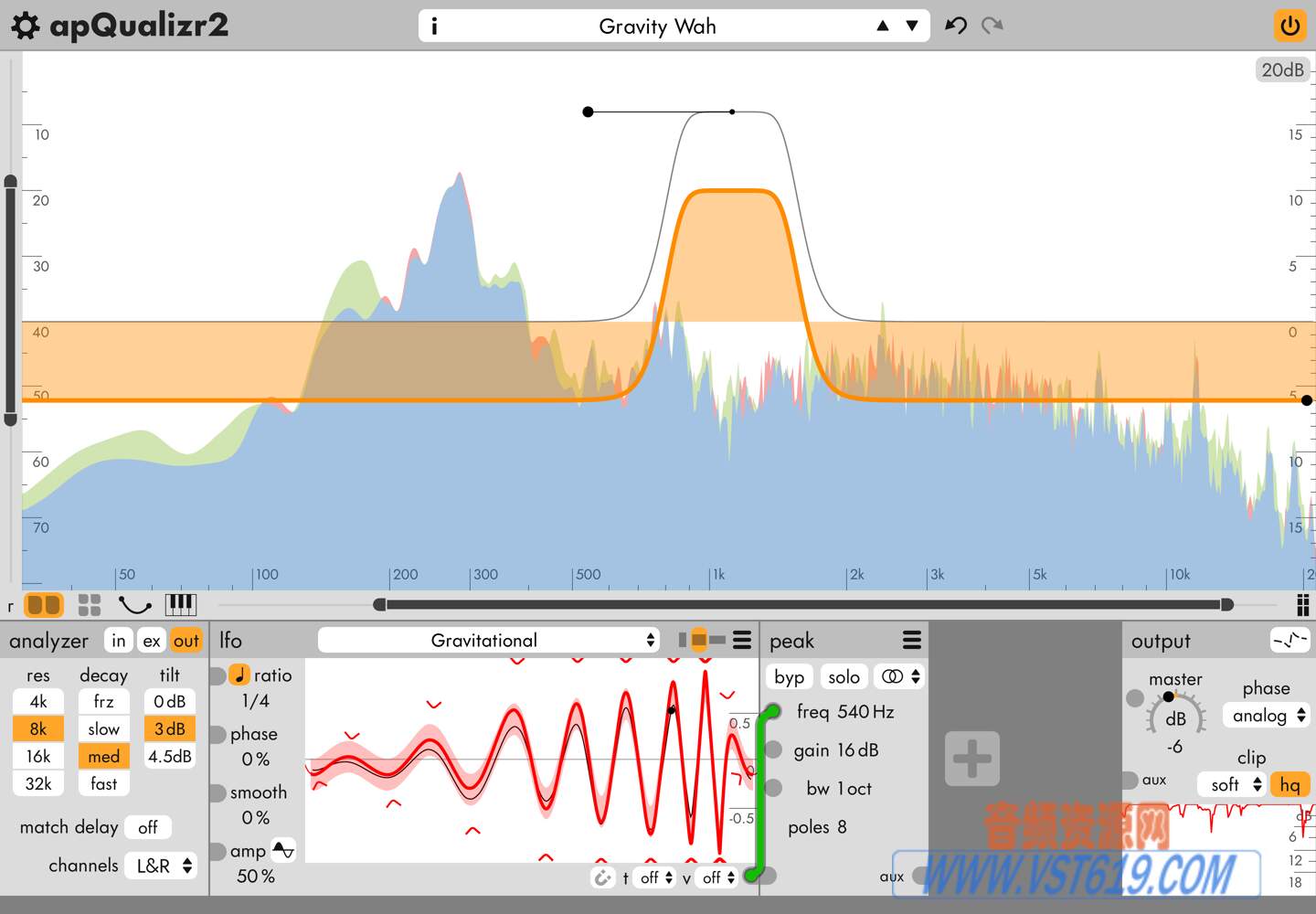
Wavesfactory Equalizer 智能动态均衡器插件,实时分析并自动修正频响缺陷,零延迟,支持侧链与HQ模式,快速平衡音色。
翻译:
均衡器
均衡器能够智能且动态地平衡您的音轨。
它能塑造信号的音色,使其听起来更加自然。
它能增强不足之处,并减弱过剩部分。零延迟。
动态音色塑造器
均衡器会分析您的音轨,并智能地决定在哪些位置应用校正(提升或衰减),使其听起来更加自然悦耳。它会根据输入信号不断进行均衡调整,从而优化您的音轨,带来以往无法实现的效果。
均衡器显著简化了混音流程。您可以将其作为混音的起点,平衡各个音轨的音量,从而减少后续阶段所需的处理量。它还可以用于主总线,对整个混音或母带进行最终调整。
1.0.2 版本新增功能:均衡器现在具有侧链输入和高品质模式,该模式会在每个采样点更新内部滤波器。由于此功能对 CPU 要求极高,因此还包含一个“仅离线”模式,该模式会在离线渲染期间自动启用 HQ 功能,并在播放期间禁用该功能。
一切尽在掌控
即使插件只需一个旋钮即可操作,Equalizer 也配备了一套精心设计的工具,可根据您的特定需求进行个性化设置。
这些功能包括中/侧处理、用于直接亮度控制的倾斜旋钮、起音和释放控制、带增量信号试听的衰减和提升功能,以及重要的混音控制和带自动增益功能的输出增益。
效果卓越,速度更快
Equalizer 可消除数字噪音,使沉闷的录音焕发活力,去除不必要的共振,并始终保持整体平衡。
它可以轻松平衡您的音轨、混音或母带处理,确保所有元素听起来和谐统一。最终,它将您的声音提升到一个全新的水平,增强您的音频制作质量。
Equalizer 可去除过多的音效,并在需要的地方进行增强。简单来说,它就是一个均衡器。
还有一点
均衡器提供强大的控制功能,允许您自定义应用于每个频段的处理量,确保插件能够按照您的预期进行响应。
您可以直接在频谱图上绘制参数来确定所需的效果级别。您可以选择保持当前设置,选择性地禁用特定频段,或者反过来,增强它们的处理效果以获得理想的声音。
————————————————————————————————————
原文:
EQUALIZER
Equalizer intelligently and dynamically balances your tracks.
It shapes the tone of your signal to make it sound more natural.
It enhances deficiencies and attenuates excesses. Zero latency.
Dynamic tone shaper
Equalizer analyzes your tracks and intelligently decides where to apply corrections (boosts or cuts) to make them sound more natural and pleasing to the ear. It refines your tracks by performing constant EQ changes based on the input signal, giving results previously impossible to get.
Equalizer significantly streamlines the mixing process. Use it as a starting point in a mix to even out the balance of the tracks, thereby reducing the amount of processing required in later stages. It can also be used on the master bus to make final adjustments to the entire mix or master.
New in version 1.0.2: Equalizer now features a sidechain input and an HQ mode that updates the internal filters at each sample. Since this is very CPU-intensive, the feature also includes an ‘Offline Only’ mode, which automatically enables HQ during offline rendering and disables it during playback.
Everything under control
Even if the plugin can be operated with a single knob, Equalizer comes with a carefully curated set of tools for personalizing the plugin to your specific requirements.
These features include Mid/Side processing, a tilt knob for direct brightness control, attack and release controls, cut and boost with delta signal audition, and an important mix control and output gain with auto-gain functionality.
Great results, faster
Equalizer eliminates digital harshness, enlivens dull recordings, removes unwanted resonances and keeps an overall balance at all times.
It effortlessly balances your tracks, mix or master, ensuring all elements sound cohesive. Ultimately, it elevates your sound to a whole new level, enhancing the quality of your audio production.
Equalizer takes from where there is too much and adds where there is need. Put simply, it’s an EQUALIZER.
One more thing
Equalizer offers an extensive level of control, allowing you to customize the amount of processing applied to each band, ensuring the plugin responds where you want it to.
Draw directly on the spectrum to determine the desired level of effect. You have the option to maintain the current settings, selectively disable specific bands, or, conversely, amplify their processing to achieve the desired sound.
VST619音频资源网收集整理!



请登录后查看评论内容